Invoice Automation Software
Invoice automation software built around the tools you already use: invoices created, sent, matched to payments and followed up without copy-pasting.
What is invoice automation software?
Invoice automation software removes the manual work of creating, sending, matching and chasing invoices. Groweik builds the workflow around the tools you already use, such as QuickBooks, Xero, Stripe and email, using Zapier, Make, n8n or custom code, so invoices are created from the source record, sent on time, matched to payments and followed up without copy-pasting.
Invoicing often means copying details from orders or contracts into an accounting tool, sending them by hand and chasing late payments from memory. We map how an invoice moves through your business, then build the workflow on Zapier, Make, n8n or custom code so invoices are created from the source record, sent, matched to payments and followed up on schedule. Every automation is tested with real records and monitored after launch, and exceptions come to a person.
What you get from accounting automation
You receive a working invoice workflow in your own tools, with the rules written down so your team and bookkeeper know what it does.
- Invoices generated from orders, bookings or contracts without retyping details.
- Scheduled sending, with reminders before and after the due date.
- Payments matched to open invoices and marked as paid in your accounting tool.
- Approval steps that hold larger or unusual invoices for a person to check.
- Alerts for failed steps, with a clear note about what to fix.
- A short document describing each step, so changes are easy to make later.
- Connections between your accounting tool, payment processor and spreadsheets, so records stay in step.
- A workflow that was run with real invoices before it went live.
- A note describing each exception and who should handle it.
How the invoice workflow is built
The build follows the path of a real invoice, and nothing goes live until it has been tested with real records. You approve the workflow, the approval rules and the wording of reminders first, so the automation behaves the way your finance process expects. Changes to the rules later are made in the same tools, so your team is never locked into code that only we can read.
- Map: an invoice is followed from the first record to final payment, and each manual step is listed.
- Design: the workflow, approval rules and exception handling are drawn up for your sign-off.
- Build: the automation is built on Zapier, Make, n8n or custom code and connected to your tools.
- Test and monitor: real records run through every step, and the first week is watched closely.
Who invoice automation is for, and who it is not for
Invoice automation suits:
- Businesses that retype order or contract details into an accounting tool.
- Teams that chase late payments by hand and lose track of who has been reminded.
- Agencies and service firms that invoice from tracked work or retainers.
- Owners who want fewer finance errors and a clear record of each step.
- Finance leads who want clear records of what was sent, matched and chased.
It is probably not the right fit if:
- You send only a handful of invoices a month, so manual work is not a burden.
- You want to replace your accounting system, which is a different project.
- You need tax or legal advice, which a bookkeeper or accountant should provide.
- Your invoices vary so much that every one needs custom judgment from a person.
What's Included
Invoices generated from orders, bookings or contracts, so details are never retyped.
Invoices emailed on schedule, with polite payment reminders before and after the due date.
Incoming payments matched to open invoices and marked as paid in your accounting tool.
Records kept in step between your accounting software, payment processor and spreadsheets.
Larger or unusual invoices held for a person to approve before they are sent.
Failed steps flagged to you with a clear note, and the first week watched closely.
Real Work, Real Results
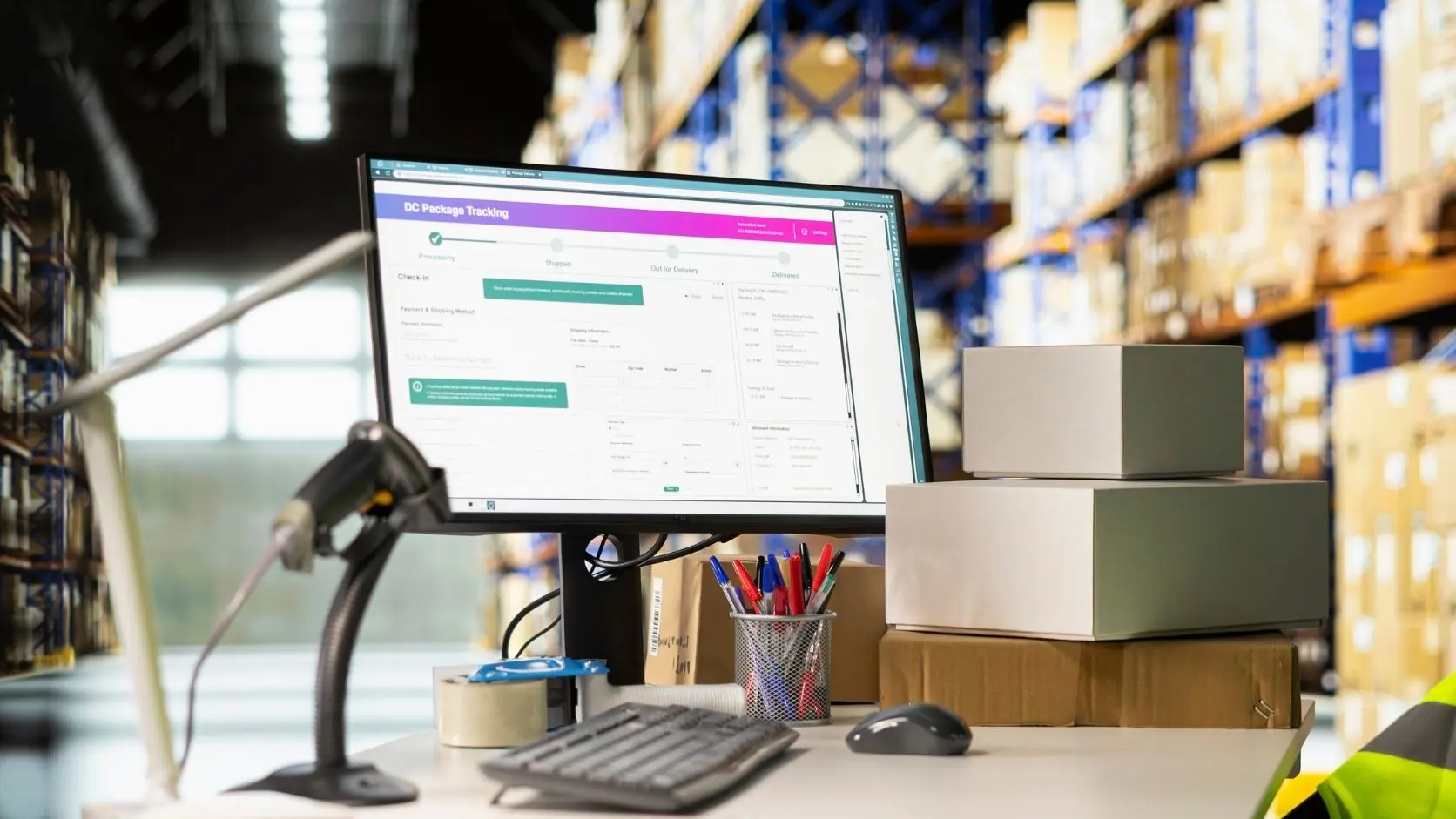
A look at how we structure and execute this service for our clients.
How It Works
Map
We follow an invoice from the first record to the final payment and list each manual step.
Design
The workflow, approval rules and exception handling are drawn up for your sign-off.
Build
The automation is built on Zapier, Make, n8n or custom code and connected to your tools.
Test and Monitor
Real records are run through every step, and the first week is monitored closely.
Why groweik?
Common Questions
No. We build the automation on your own tools and accounts, so there is no groweik subscription. Your existing software plans are billed by their providers.
Invoice automation covers creating, sending and chasing invoices. Accounting automation is wider and can include expense capture, bank matching and reporting, which we scope separately.
Popular tools such as QuickBooks and Xero have connections we can use, and payment processors such as Stripe do too. We confirm what is possible for your stack during mapping.
Yes. Approval steps can hold larger or unusual invoices for a person to review before anything is sent to a customer.
Failed steps are flagged to you with a clear note. We also monitor the workflow closely during the first week after launch.
Yes. Reminders can go out before and after the due date, with wording you approve, and they stop once the payment is matched.
Yes. We provide a short document that describes each step and each rule, so a bookkeeper or accountant can review and change it later.
The cost depends on how many steps, tools and approval rules are involved, so it is quoted after mapping. Request a quote for a figure based on your process.
Keep reading
Ready to Get Started?
Book a free 30-minute strategy call. No pressure, just a clear plan for your business.
Get a Free QuoteWhatsApp UsRelated Services


See How Groweik Works
Watch how we launch profitable businesses from zero to first sale in 45 working days.

Ready to Get Started?
Join the businesses we've launched across USA, UK, and Australia. Book a free strategy call and we'll build your roadmap.
Read our guide
Practical articles from the groweik team on this topic.